





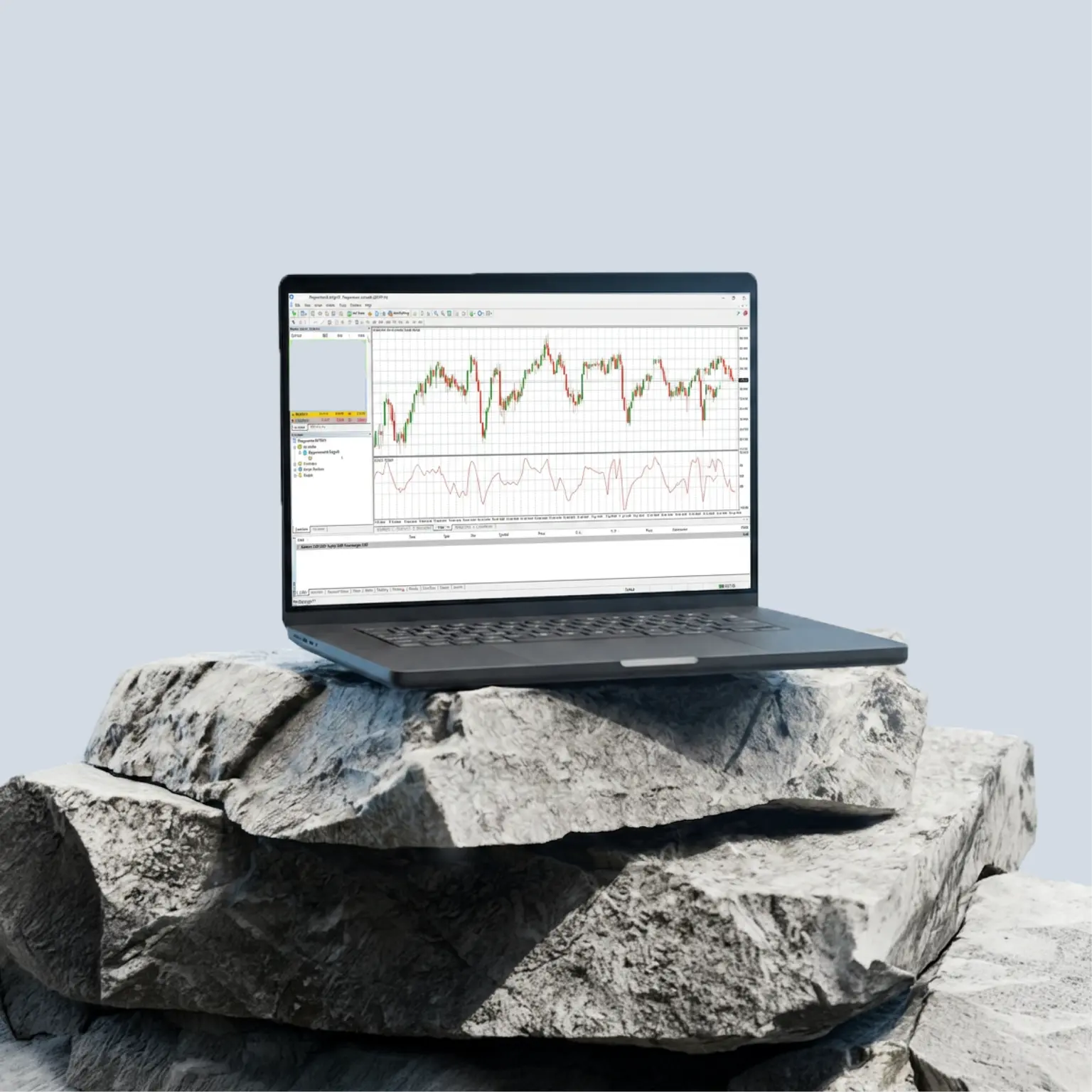
MetaTrader4 (MT4)
Automate your trading with Expert Advisors, indicators and pattern-recognition software, backed by our fast execution.
Why choose MT4?
As a feature-rich platform with a straightforward interface, MT4 can be a great choice for those who want take advantage of pre-made customisations or add full-term algorithms into their margin FX trading. You can:
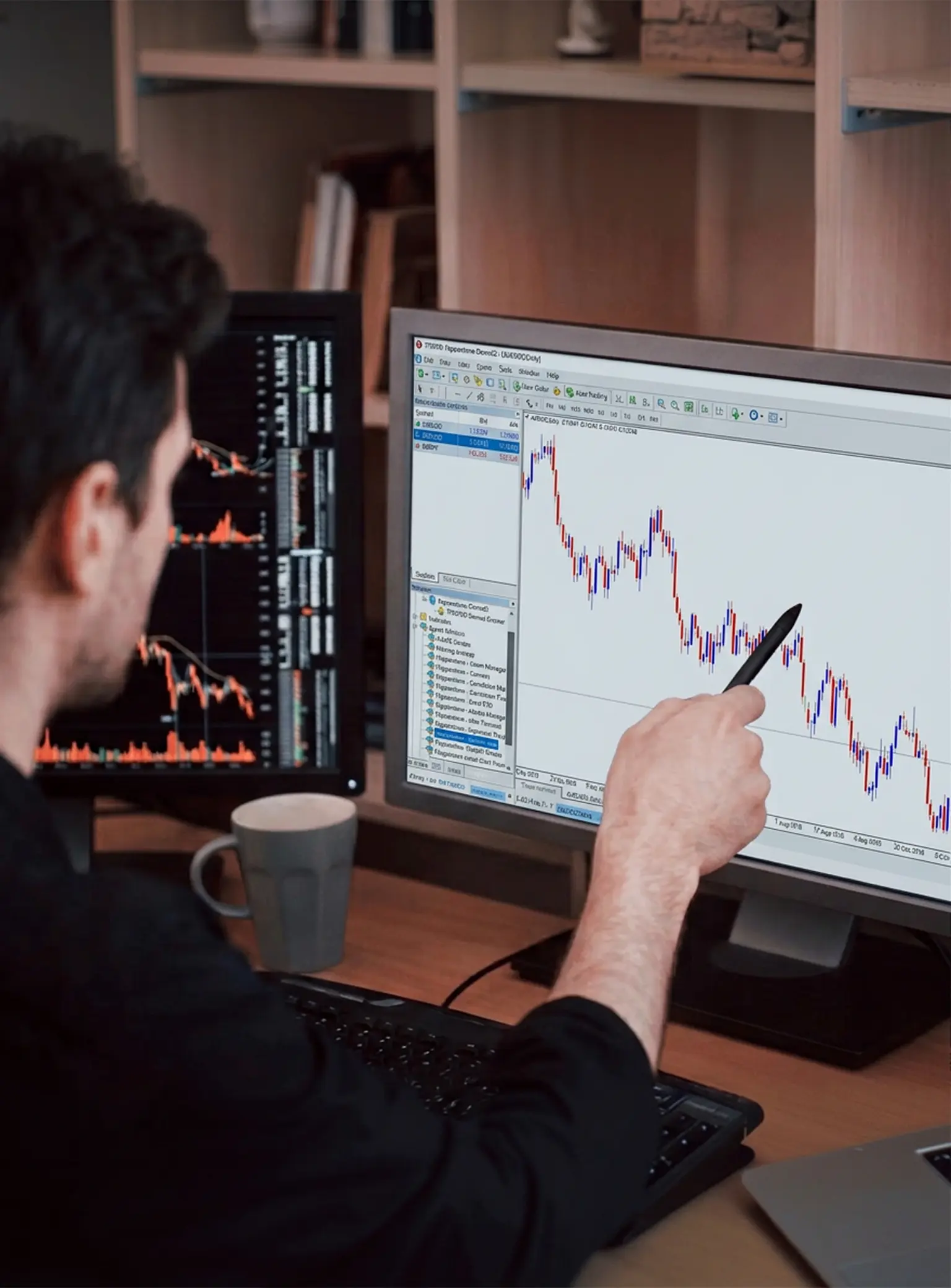
Optimise your execution with Smart Trader tools
Make better trading decisions, manage risk, and automate your strategies to save valuable trading time.
Turn MT4 into an institutional-grade platform with EAs like Trade Terminal, Correlation Matrix and Alarm Manager.

Create a bespoke trading environment
Combine indicators and scripts, or develop your own with MQL4, to customise your MT4 experience.
Pre-programmed code for complex trading scenarios can be built into your strategy seamlessly.
Optimise your execution with Smart Trader tools
Make better trading decisions, manage risk, and automate your strategies to save valuable trading time.
Turn MT4 into an institutional-grade platform with EAs like Trade Terminal, Correlation Matrix and Alarm Manager.
Create a bespoke trading environment
Combine indicators and scripts, or develop your own with MQL4, to customise your MT4 experience.
Pre-programmed code for complex trading scenarios can be built into your strategy seamlessly.
Create a bespoke trading environment
Combine indicators and scripts, or develop your own with MQL4, to customise your MT4 experience.
Pre-programmed code for complex trading scenarios can be built into your strategy seamlessly.
Optimise your execution with Smart Trader tools
Make better trading decisions, manage risk, and automate your strategies to save valuable trading time.
Turn MT4 into an institutional-grade platform with EAs like Trade Terminal, Correlation Matrix and Alarm Manager.
Sharpen your analysis with built-in indicators
Take a closer look at market movements with dozens of pre-installed indicators, and thousands more free, custom indicators.
Combine up to 9 timeframes and multiple graphical objects to get the view you want.

Manage your risk with small minimum trade sizes
Trade from 0.01 lots, giving you greater control over your exposure when trading in high volumes.
A 0.01 lot represents 1,000 units of the base currency, meaning each pip move for major pairs is roughly $0.10.
Sharpen your analysis with built-in indicators
Take a closer look at market movements with dozens of pre-installed indicators, and thousands more free, custom indicators.
Combine up to 9 timeframes and multiple graphical objects to get the view you want.
Manage your risk with small minimum trade sizes
Trade from 0.01 lots, giving you greater control over your exposure when trading in high volumes.
A 0.01 lot represents 1,000 units of the base currency, meaning each pip move for major pairs is roughly $0.10.
Manage your risk with small minimum trade sizes
Trade from 0.01 lots, giving you greater control over your exposure when trading in high volumes.
A 0.01 lot represents 1,000 units of the base currency, meaning each pip move for major pairs is roughly $0.10.
Sharpen your analysis with built-in indicators
Take a closer look at market movements with dozens of pre-installed indicators, and thousands more free, custom indicators.
Combine up to 9 timeframes and multiple graphical objects to get the view you want.
Why choose MT4 with Pepperstone?
Not all MT4 brokers are created equal, and we know how to help you get the best out of this popular platform. Trade via MT4 with Pepperstone to get:
Super-tight spreads
Starting from 0.0pts on margin FX and 0.08pts on Spot Gold CFDs, with a Razor account.¹
Fast, reliable execution
From 50 milliseconds, with a 99.89% fill rate and no dealer intervention.²
Dedicated support
We're here to help 24hrs a day Mon-Fri, and 18 hrs at the weekend.
Trusted global brand
We have 909,000 clients across 160 countries, and 10 global offices.²
Super-tight spreads
Starting from 0.0pts on margin FX and 0.08pts on Spot Gold CFDs, with a Razor account.¹
Fast, reliable execution
From 50 milliseconds, with a 99.89% fill rate and no dealer intervention.²
Dedicated support
We're here to help 24hrs a day Mon-Fri, and 18 hrs at the weekend.
Trusted global brand
We have 909,000 clients across 160 countries, and 10 global offices.²
Ways to trade via MT4 with Pepperstone
Both our CFD accounts are compatible with MT4. So you can choose between a simple, all-in fee structure or a commission-based model that gives you more control.
CFD Razor
Offers identical trading conditions to our Standard account, but with a raw spread + fixed commission pricing model on margin FX and Spot Gold (XAU/USD). Raw spreads from 0.0³ on margin FX and 0.08 on XAU/USD, alongside fixed, transparent commission from USD$3.50 per lot, per side.
If you wish to continue trading on a Standard account, you can open an additional Standard account on MT5, where Standard accounts remain available. Follow the setup steps here.
How to sign up with MT4 and Pepperstone
Create account
Open a live or demo account with Pepperstone, choosing MT4 as your preferred platform.
Download
If you haven't already, download MT4 using one of the links below.
Log in
Open and log into MT4 via Android, iOS, desktop or web.
Connect
Search for the Pepperstone server and log in with your Pepperstone credentials.
Download MT4 today
Get started with MT4
We’ve got plenty of resources to help you get started with the MT4 mobile app – tap one of the links to watch.
Find advanced tools for MetaTrader4
As a Pepperstone client you'll be able to access the Smart Trader Tools and MyTrader package. Unlock your full margin FX trading potential with 28 smart trading apps, including expert advisors and indicators. Availability may depend on your account type.
Frequently asked questions
First, download MT4. You can do this by logging into your secure client area and navigating to 'access trading platforms'. You'll be guided through the download process and once your platform has loaded, you'll be asked for your account number, password and server name.
If you have issues with inputting these details, try this:
- Copy and paste your password (ensure you're not adding any spaces).
- Manually type your server IP address.
- Delete the server and manually type 'edge<server number>.pepperstone.com'. For example: edge03.pepperstone.com
If this doesn't work, please open a live chat with us so we can help.
To view an order:
- Open a window and tap 'new order' or simply use your hotkey F9.
- Add your trading volume - this is based on standard margin FX lots (USD$100,000 exposure and $10 of the base currency per pip).
- After you enter your volume, enter your stop-loss and take-profits (this can be added before or after entering the trade).
- The 'type' field will display the order type you want to place. 'Market execution' is an instant order and 'pending order' allows you to set the price at which you want to trade.
To modify an order, simply right-click on the trade within the 'terminal - trade' section and select 'modify' or 'delete' order.
You can modify stop-loss or take-profit orders in two ways:
- Input the point distance you want away from the current price. For example, 200 points is a 20-pip stop-loss from the current market price.
- Alternatively, you can add the exact price at which you wish to exit in the stop-loss field.
It’s easy to load your Expert Advisor (EA) or indicator.
- Download your EA or indicators as a file on your computer.
- Enter 'MT5' and select 'file’.
- Open the 'data' folder.
- Enter ‘MQL5’, which will allow you to drag and drop the file into either the 'Expert Advisors' or 'indicators' folder.
- Restart the MT5 platform and your Expert Advisor or indicator will appear in your ‘navigator’ list.
Customising your templates is a great way to make your MT4 platform unique and easier to use. Templates let you control how your MT4 charts are displayed and show you what indicators are on your charts.
- To create a template, you'll need to:
- Add any Expert Advisors (EAs) or indicators that you'd like to have on your chart.
- Right-click on your chart.
- Select 'properties', which is where you can update your colour scheme and change common settings.
- Once you've made your custom changes, simply right-click on the chart.
- Select 'templates' and name the file you've just edited. You can have multiple templates for different strategies.
Tip: Name this template as 'default' to have all charts open with this template as default.
MT4 and MT5 are both popular trading platforms, but they differ in their scope and functionality. MT4 is a straightforward, intuitive and globally popular trading platform, suitable for both beginners and advanced traders because of its broad functionality.
MT5 though, is here to change the game. It's a platform known for its wide range of time frames, analytical prowess and variety of pending orders, on stocks, commodities, indices and more.
MT5 offers:
- A wider range of time frames: 21, compared to MT4's 9. This can be extremely attractive for scalpers and advanced traders who are looking to do in-depth analysis of the market.
- Pending orders:MT4 offers stop and limit orders which are generally the most commonly used ones, whereas with MT5 you have the functionality to use stop-limits too, which can help control execution price and avoid unfavourable trades in volatile markets.
- The programming language MQL5:Although there is more likely to be a larger amount of research and guidance for MT4 due to its popularity, users are starting to migrate to the MQL5 programming language as it's more efficient and easier to use, and traders can write and alter scripts.
- Built-in fundamental economic calendar: delivering live macroeconomic news. MT5 also contains an inbuilt MQL5 Community Chat and email system.Generally, MT4 is a straightforward and efficient choice for those looking to trade forex. For traders looking for even smarter software, with a broader range of additional features and more in-depth analysis, then MT5 is more suitable. If you're looking to trade the top US share CFDs around the clock,3 then consider MT5.
Generally, MT4 is a straightforward and efficient choice for those looking to trade forex. For traders looking for even smarter software, with a broader range of additional features and more in-depth analysis, then MT5 is more suitable. If you’re looking to trade the top US share CFDs around the clock,3 then consider MT5.
New Standard accounts are no longer available on MT4. New clients opening an account on either platform will be onboarded to a Razor account.
Standard accounts remain available on MT5 and the Pepperstone Platform. This keeps each platform aligned with a single pricing structure, which makes the cost of a trade easier to identify.
*Standard Plus accounts are unaffected and will remain unchanged.
You might be interested in
MarginFX
Trade CFDs on 90+ majors, minors and exotics, with tight spreads and elite trading tech.
MarginFX
Trade CFDs on 90+ majors, minors and exotics, with tight spreads and elite trading tech.
MarginFX
Trade CFDs on 90+ majors, minors and exotics, with tight spreads and elite trading tech.
Ready to trade better?
Switch to Pepperstone now and join our global community of over 900,000 traders.2 Apply in minutes with our simple application process.
Register
Sign up with your email address and get a free demo.
Answer
We'll assess whether our products are appropriate for you.
Verify
Your safety is our top priority.
Fund
That's it! You're ready to trade.
¹Other fees and charges may apply.
²Data from the Pepperstone platform, correct as of 1 March 2026.
³ Other fees and charges may apply.