





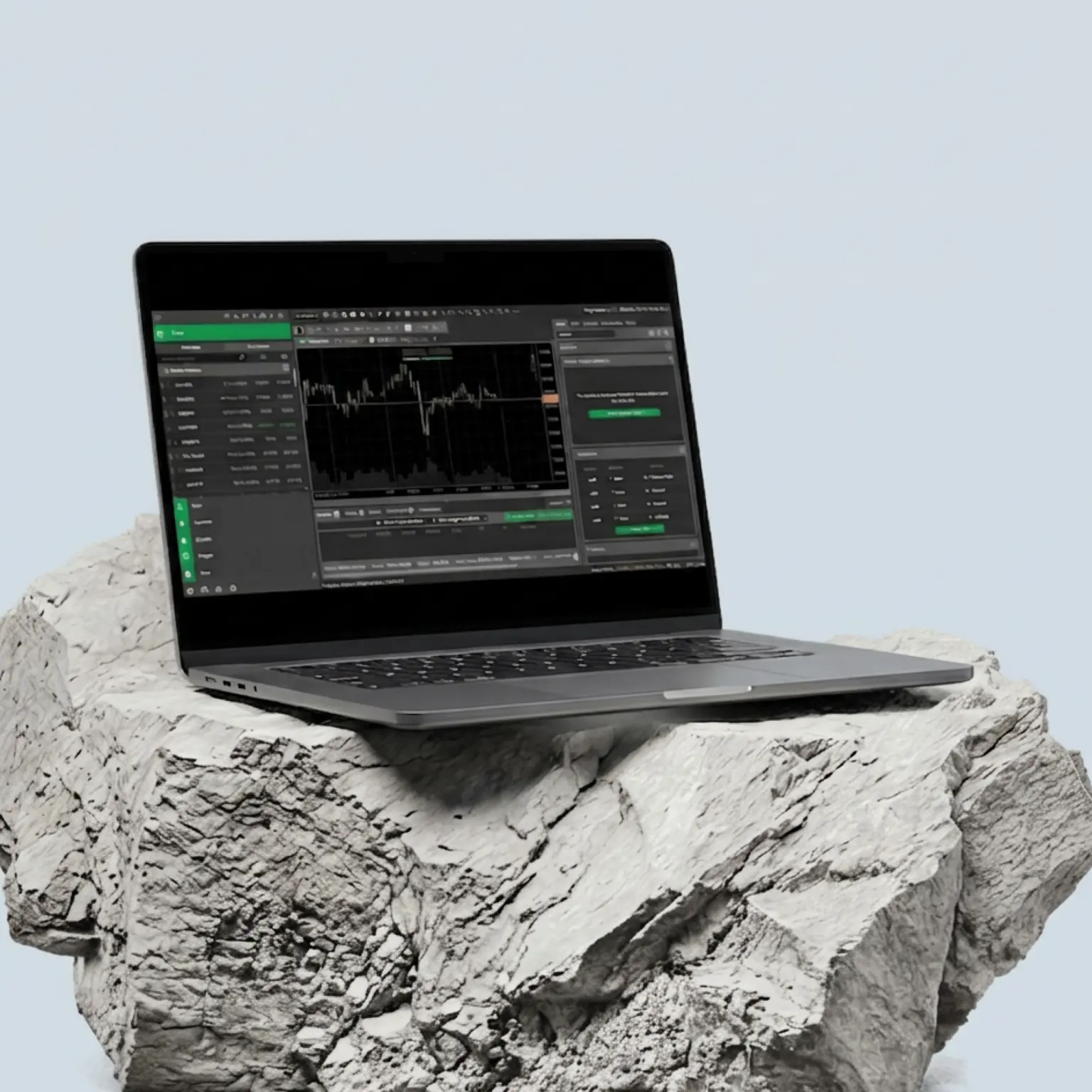
cTrader
cTrader's robust and feature-rich platform is where sleek design meets institutional-grade performance. Seamlessly intuitive, powerfully precise.
Why choose cTrader?
cTrader delivers a high-performance, secure and premium trading experience that can help you take a closer look at the order book and build smart automation tools.

See full price transparency
View level II pricing with full market depth, showing trade volumes at every margin FX price level.

Upgrade your trading with an impressive toolset
50+ built-in technical indicators, multiple timeframes, and advanced automation with C# coding.
See full price transparency
View level II pricing with full market depth, showing trade volumes at every margin FX price level.
Upgrade your trading with an impressive toolset
50+ built-in technical indicators, multiple timeframes, and advanced automation with C# coding.
Upgrade your trading with an impressive toolset
50+ built-in technical indicators, multiple timeframes, and advanced automation with C# coding.
See full price transparency
View level II pricing with full market depth, showing trade volumes at every margin FX price level.

Avoid full-position closures
If the markets turn against you, the Smart Stop Out system can free up margin with partial closes.1

Create a bespoke interface
Enjoy a sleek yet simple, malleable layout with detachable charts, light/dark themes, and multiple workspaces.
Avoid full-position closures
If the markets turn against you, the Smart Stop Out system can free up margin with partial closes.1
Create a bespoke interface
Enjoy a sleek yet simple, malleable layout with detachable charts, light/dark themes, and multiple workspaces.
Create a bespoke interface
Enjoy a sleek yet simple, malleable layout with detachable charts, light/dark themes, and multiple workspaces.
Avoid full-position closures
If the markets turn against you, the Smart Stop Out system can free up margin with partial closes.1
Why choose cTrader with Pepperstone?
We have 909,000 clients across 160 countries, with ten global offices.2 Our cTrader service gives you all the benefits you'd expect from a world-class broker:
cTrader Automate
Build, backtest and optimise trading strategies with cTrader API and C#.
Super-tight spreads
Starting from 0.0pts on margin FX and 0.08pts on Spot Gold CFDs, with a Razor account.³
Fast, reliable execution
From 50 milliseconds, with a 99.32% fill rate and no dealer intervention.⁴
24-hour US share CFDs
Trade when it matters, with key US stocks available around the clock.⁵
cTrader Automate
Build, backtest and optimise trading strategies with cTrader API and C#.
Super-tight spreads
Starting from 0.0pts on margin FX and 0.08pts on Spot Gold CFDs, with a Razor account.³
Fast, reliable execution
From 50 milliseconds, with a 99.32% fill rate and no dealer intervention.⁴
24-hour US share CFDs
Trade when it matters, with key US stocks available around the clock.⁵
Ways to trade via cTrader with Pepperstone
Both our CFD accounts are compatible with cTrader. So you can choose which fee structure works best for your margin FX trading, with no differences on other markets.
CFD Standard
Gain similar exposure to buying the underlying market outright, while only having to put down a fraction of the full value of your position. All fees – apart from any overnight funding – are included in the spread, and there is no commission to pay.
CFD Razor
Offers identical trading conditions to our Standard account, but with a raw spread + fixed commission pricing model on margin FX and Spot Gold (XAU/USD). Raw spreads from 0.0³ on margin FX and 0.08 on XAU/USD, alongside fixed, transparent commission from USD$3.50 per lot, per side.
How to get started
Create account
Open a live or demo account with Pepperstone, choosing cTrader as your preferred platform.
Download and install the Pepperstone cTrader app
You can access cTrader on mobile (iOS, Android), desktop or through the web app.
Log in
Enter your unique cTrader ID (cTID) sent to you via email or your cTrader username and password.
Start trading
Once logged in, all your Pepperstone trading accounts linked to your cTrader ID will be available.
Download cTrader today
Get started with cTrader
We’ve got plenty of resources to help you get started with the cTrader – tap one of the links to watch.

Frequently asked questions
To get started, you'll need your cTrader ID or cTID, which is a unique login sent to you by email to access all your trading accounts. Keep this email safe for future use. When opening the cTrader platform, simply log in using your cTrader ID and password. If you have any questions, please reach out at support@pepperstone.com.
cTrader has an in-depth video library built into the platform, which is accessible via the 'help menu' in the top left-hand corner. These easy-to-follow videos cover all the basics of how to use the platform.
1. Open the chart.
2. Right-click and select 'create new order'.
3. From here, you'll have a range of options to choose from including market order, limit order, stop order, and an advanced option: stop-limit order.
1. In the order tab, tick the boxes for stop-loss and take-profit.
2.This will open the option to set both a stop-loss and take-profit.
3.Once you've put your stop-loss and take-profit criteria in, you can review it before you start trading.
cTrader makes managing risk easier and more transparent. Before you place a trade, you'll see a clear preview of your pip value and margin requirements, helping you make informed decisions.
On the platform, you will also find an advanced 'analyze' tab that gives you an overview of your account's performance, including:
a. Total profit/loss
b. Market exposure
c. Current volume held
To further protect your capital, cTrader includes a unique Smart Stop Out system,1 which automatically closes small parts of your largest positions to help prevent your account from going negative.
If a Stop Loss becomes invalid — for example, due to a price gap or extreme market movement — it will be automatically removed from the position. The position itself will remain open, but without a Stop Loss attached. We recommend regularly monitoring your open positions and setting a new Stop Loss if you'd like to maintain that protection.
Ready to trade better?
Switch to Pepperstone now and join our global community of over 900,000 traders.² Apply in minutes with our simple application process.
Register
Sign up with your email address and get a free demo.
Answer
We'll assess whether our products are appropriate for you.
Verify
Your safety is our top priority.
Fund
That's it! You're ready to trade.
Ready to trade with Pepperstone?
1 CTrader's Smart Stop Out feature is an automatic process activated if your account's equity falls below a certain level (normally 50%) of your broker's margin requirement. It prioritises closing positions that use the largest amount of margin, rather than those generating the lowest unrealised P&L. Please note that if the market gaps or moves extremely fast, the execution price might be worse than the trigger price.
2 Total number of accounts held with the Pepperstone Group globally, correct as of 1 March 2026.
3 Other fees and charges may apply.
4 Data sourced from the Pepperstone platform, correct as of September 2025.
5 24-hour trading, 5 days a week on select US share CFDs. For exact timings, please refer to the instrument specifications in your trading platform.