




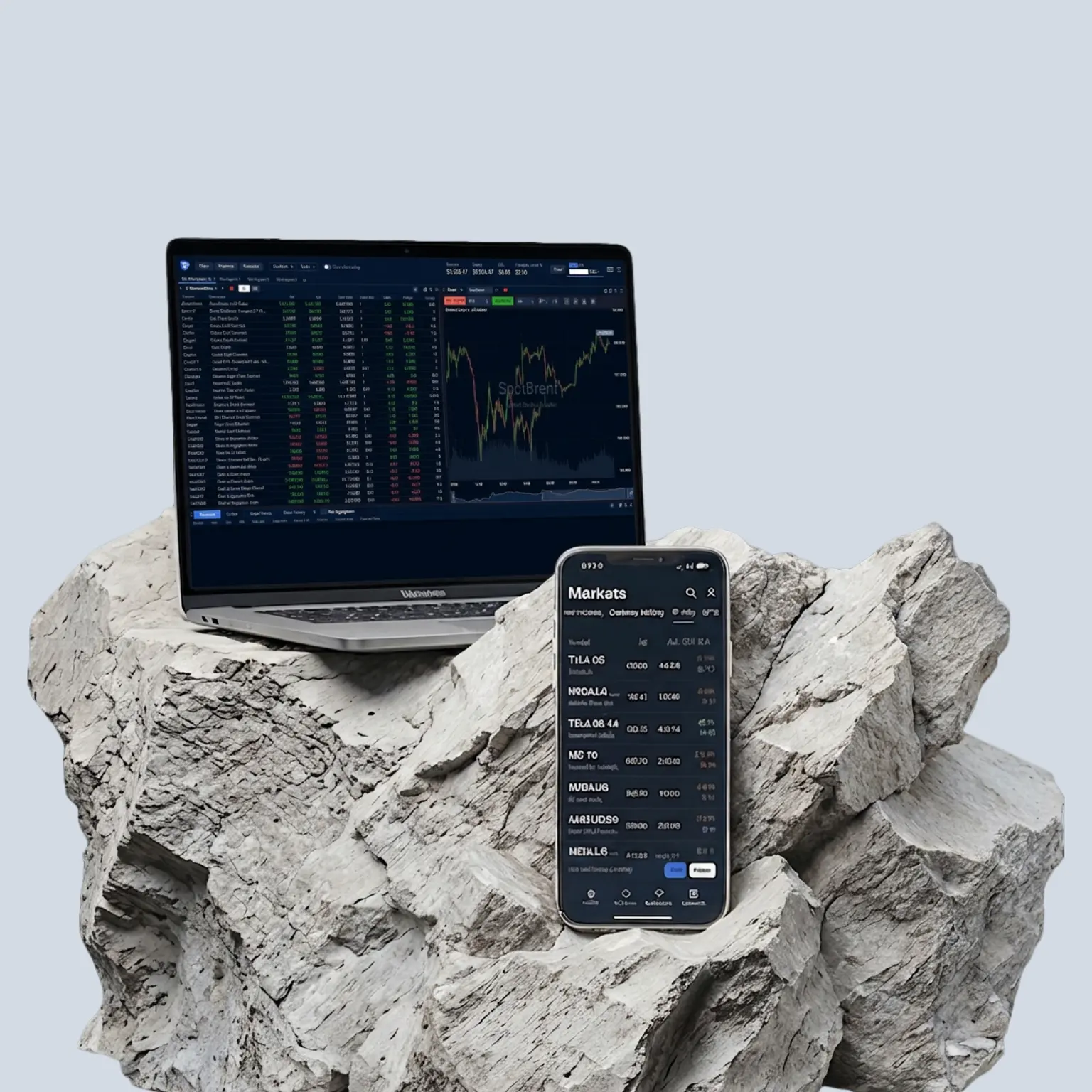
Why choose the Pepperstone trading platform?
Enjoy a smooth trading experience, directly from your browser. From instant market access and live pricing to flexible charting and robust risk management.

Instant browser access on Windows & macOS
Access the Pepperstone trading platform through your web browser on Windows or macOS on any device – desktop, laptop or tablet. No download or software installation required. Simply log in and start trading instantly wherever you are.
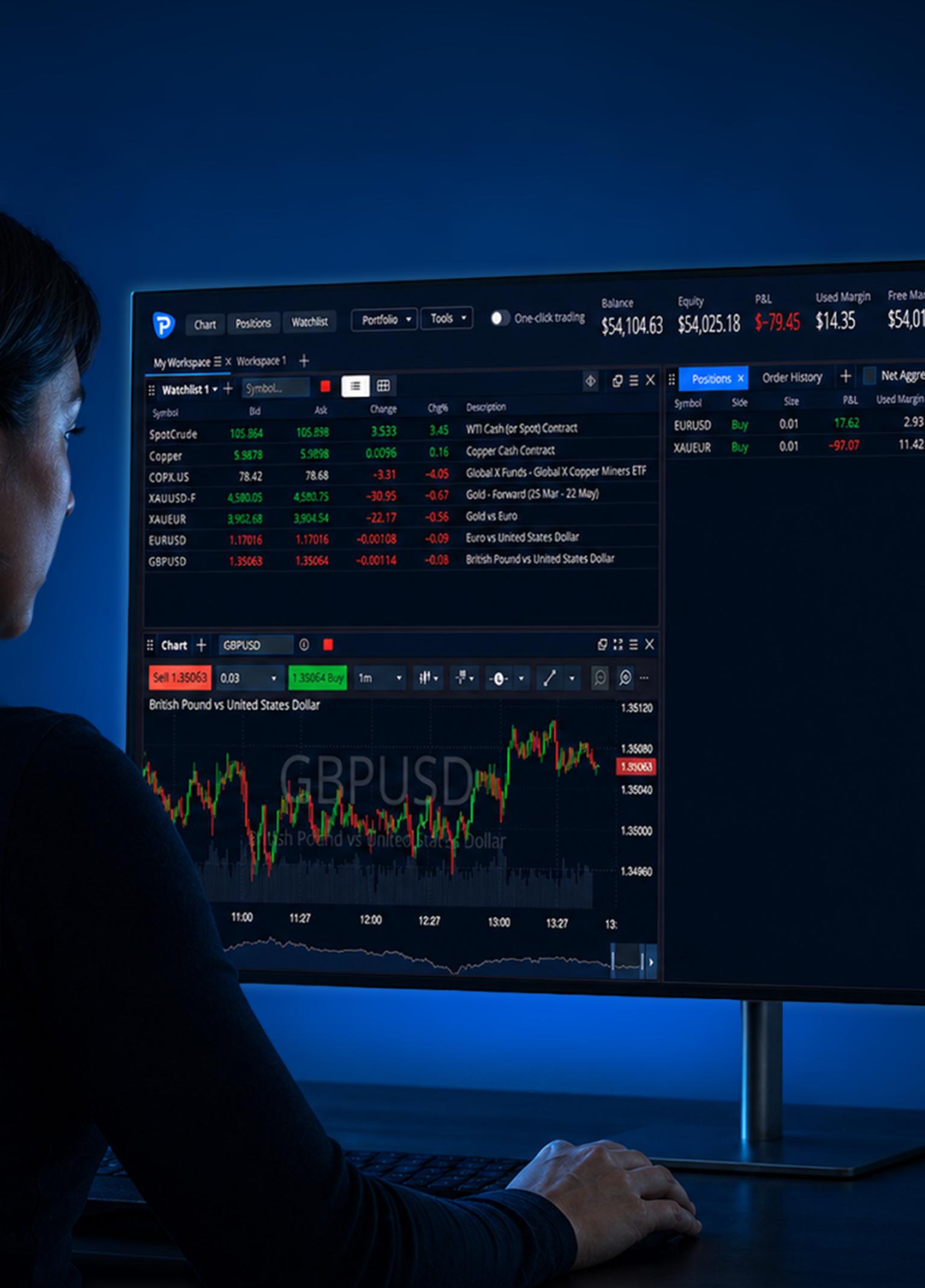
Quick chart switching
Track multiple instruments side by side with flexible charts. Move easily between markets and timeframes using ‘quick switch’ without interrupting your analysis and focus. Stay in control of fast-moving markets with a smooth, fluid workflow.
Instant browser access on Windows & macOS
Access the Pepperstone trading platform through your web browser on Windows or macOS on any device – desktop, laptop or tablet. No download or software installation required. Simply log in and start trading instantly wherever you are.
Quick chart switching
Track multiple instruments side by side with flexible charts. Move easily between markets and timeframes using ‘quick switch’ without interrupting your analysis and focus. Stay in control of fast-moving markets with a smooth, fluid workflow.
Quick chart switching
Track multiple instruments side by side with flexible charts. Move easily between markets and timeframes using ‘quick switch’ without interrupting your analysis and focus. Stay in control of fast-moving markets with a smooth, fluid workflow.
Instant browser access on Windows & macOS
Access the Pepperstone trading platform through your web browser on Windows or macOS on any device – desktop, laptop or tablet. No download or software installation required. Simply log in and start trading instantly wherever you are.

One-click trading
Open or close positions instantly with a single action, without having to confirm each order in a separate window. Act promptly on market movements and avoid delays.
Set your stop-loss and take-profit levels* before activating one-click trading.
* Please note that these tools do not guarantee the prevention of losses.

Custom & public watchlists
Create your own watchlists to track the markets and instruments that matter most to you or explore public watchlists for broad market ideas. Stay organised and monitor multiple assets in one place. Quickly identify market movements and stay on top of key opportunities.
One-click trading
Open or close positions instantly with a single action, without having to confirm each order in a separate window. Act promptly on market movements and avoid delays.
Set your stop-loss and take-profit levels* before activating one-click trading.
* Please note that these tools do not guarantee the prevention of losses.
Custom & public watchlists
Create your own watchlists to track the markets and instruments that matter most to you or explore public watchlists for broad market ideas. Stay organised and monitor multiple assets in one place. Quickly identify market movements and stay on top of key opportunities.
Custom & public watchlists
Create your own watchlists to track the markets and instruments that matter most to you or explore public watchlists for broad market ideas. Stay organised and monitor multiple assets in one place. Quickly identify market movements and stay on top of key opportunities.
One-click trading
Open or close positions instantly with a single action, without having to confirm each order in a separate window. Act promptly on market movements and avoid delays.
Set your stop-loss and take-profit levels* before activating one-click trading.
* Please note that these tools do not guarantee the prevention of losses.
Even more features to enhance your trading
Live market data
Trade on live streaming prices and stay in sync with real-time market movements.
Quick instrument search
Find and compare instruments in seconds with all key trading details at a glance.
Comprehensive analysis
Analyse markets using charts, timeframes, and tools tailored to your trading style.
Live market data
Trade on live streaming prices and stay in sync with real-time market movements.
Quick instrument search
Find and compare instruments in seconds with all key trading details at a glance.
Comprehensive analysis
Analyse markets using charts, timeframes, and tools tailored to your trading style.
Live market data
Trade on live streaming prices and stay in sync with real-time market movements.
Quick instrument search
Find and compare instruments in seconds with all key trading details at a glance.
Comprehensive analysis
Analyse markets using charts, timeframes, and tools tailored to your trading style.
Live market data
Trade on live streaming prices and stay in sync with real-time market movements.
Quick instrument search
Find and compare instruments in seconds with all key trading details at a glance.
Comprehensive analysis
Analyse markets using charts, timeframes, and tools tailored to your trading style.

Access 1350+ CFD instruments
From forex and indices to commodities, shares, ETFs and crypto, we’ve got something for every trader.
Ways to trade on the Pepperstone platform
CFD Standard
Gain similar exposure to buying the underlying market outright, while only having to put down a fraction of the full value of your position. All fees – apart from any overnight funding – are included in the spread, and there is no commission to pay.
CFD Razor
Offers identical trading conditions to our Standard account, but with raw spreads + commission-based pricing on FX and XAU/USD CFDs. FX spreads start from 0.0 pts and Spot Gold spreads from 0.08 pts, with commission from $3.50 per lot, per side.¹
Getting started with the Pepperstone platform
Create account
Sign up[MS3.1] to open a live or demo account following our 4-step process.
Log in
Once you are fully verified, log in to your account.
Choose your platform
Go to 'trading accounts', tap 'add trading account', choose Pepperstone platform, fill in the details and submit.
Ready to trade
On the confirmation screen, click 'continue to WebTrader' and start trading.

Trade on your desktop, or take your trades on the go with our mobile app.
First time using the Pepperstone trading platform?
Watch our step-by-step video that walks you through the basics of using our browser-based trading platform.
Why trade CFDs with Pepperstone?
Elevate your CFD trading with a broker that knows what you need.
Razor-sharp spreads
Starting from 0.0 pts on FX CFDs and 0.08pts on Spot Gold CFDs, with a Razor account.1
Fast, reliable execution
From 50 milliseconds, with a 99.32% fill rate and no dealer intervention.²
Local support
Get Arabic, English and Hindi language support from our UAE-based team.
Trusted global brand
We have 900,000 clients across 160 countries, and 10 global offices.*
Razor-sharp spreads
Starting from 0.0 pts on FX CFDs and 0.08pts on Spot Gold CFDs, with a Razor account.1
Fast, reliable execution
From 50 milliseconds, with a 99.32% fill rate and no dealer intervention.²
Local support
Get Arabic, English and Hindi language support from our UAE-based team.
Trusted global brand
We have 900,000 clients across 160 countries, and 10 global offices.*
FAQs
You must have a Pepperstone account before you can log into the Pepperstone web platform.
1. Click ‘log in’ to open the Pepperstone login window.
If you don’t have a Pepperstone account, click ‘join now’ and follow the instructions. You can ignore the rest of this procedure.
2. Enter your email and password to access your secure client area.
3. Select ‘trading accounts’ from the left-side menu and click on ‘live’ or ‘demo’.
4. Click on the Pepperstone icon on the account card and you will be connected to the Pepperstone web platform.
You can create multiple live or demo accounts on the Pepperstone web platform, depending on your trading needs. Standard users can create up to five demo accounts, Razor users up to ten. Demo accounts expire automatically after 30 days, unless you have a funded live account and request an extension.
- Open WebTrader and sign in to your Pepperstone account. If already logged in, click the menu icon at the top right and select ‘my account’.
- Select ‘trading accounts’ on the left, click ‘live’ or ‘demo’ and then ‘add a trading account.’
- Choose Pepperstone from the platform menu, enter any required details, and click submit.
- On the confirmation screen, click ‘continue to Webtrader’.
To fund your account through the Pepperstone web platform, follow the steps below.
- Click the ‘fund’ button near the top right of the window.
Tip: You can also click the menu icon at the top right of the screen and select ‘add funds’. - Select the trading account you want to fund.
- Choose your preferred funding method and enter the amount or select a default one.
- Follow the on-screen instructions (these vary depending on the payment method selected).
To withdraw funds through the Pepperstone web platform, follow the steps below.
- Click ‘withdraw’ near the top right of the WebTrader window. You will be connected to your secure client area.
- Click on the ‘withdraw funds’ tab and select your preferred withdrawal method.
- Select the account you want to withdraw funds from and enter the amount or choose a default one.
- Click ‘confirm amount’, fill in your details and click ‘continue’.
- Check your transaction details and confirm your withdrawal.
- Approve the transaction within one hour via the email sent to you, or using a 2FA code if enabled.
Yes, you can use the same Pepperstone account across both the web Pepperstone platform and mobile app. They are synchronised, meaning trades initiated on the mobile platform will automatically appear on the web, and vice versa. For an optimal experience, you can trade on the go with the mobile app and conduct detailed analysis on the desktop, web-based Pepperstone platform.
No, you don't need to download anything. The Pepperstone web platform runs entirely in your web browser, so you can trade instantly from any compatible device (desktop, laptop, or tablet) without installing any software.
You can find out that process in detail in our help and support section.
One-click trading is a feature that lets you open or close trades instantly with a single click, without going through extra confirmation steps. This helps you react quickly to market movements and take advantage of opportunities as they arise.
You click or tap on a buy or ask price and an at-market order is executed immediately based on a contract or lot size you have previously specified as your default value. This mode is recommended only for experienced traders. It can be enabled only after accepting a particular set of terms and conditions. Enabling (or disabling) One-click trading on the Pepperstone app does not automatically enable (or disable) it on the web-based Peppesrtone platform.
To enable or disable one-click trading:
1. Tap the profile icon at the top right of the screen.
2. If profile is not visible, either tap < or close any secondary window.
3. Go to settings and slide the one-click trading slider right (to enable it) or left (to disable it).
4. If you are enabling one-click trading:
a. Read the disclaimer notice that appears.
b. To accept, tap the check box near the bottom of the screen
c. Tap Accept
d. Click OK to enable one-click trading
Make sure to pre-set your trade size, stop-loss, and take-profit levels before using it to manage risk effectively. Enabling (or disabling) it on the app does not automatically enable (or disable) it on the mobile app.
You might also be interested in
Ready to trade better?
Switch to Pepperstone now and join our global community of over 900K+ traders.* Apply in minutes with our simple application process.
Register
Sign up with your email address and get a free demo.
Answer
We’ll assess your suitability for our products.
Verify
Your safety is our top priority.
Fund
That’s it! You’re ready to trade.
Ready to trade with Pepperstone?
1Other fees and charges may apply.
299.32%. Fill rates are based on all trade data between 01/10/2025 and 31/12/2025.
*Data correct as of 1 March 2026.