


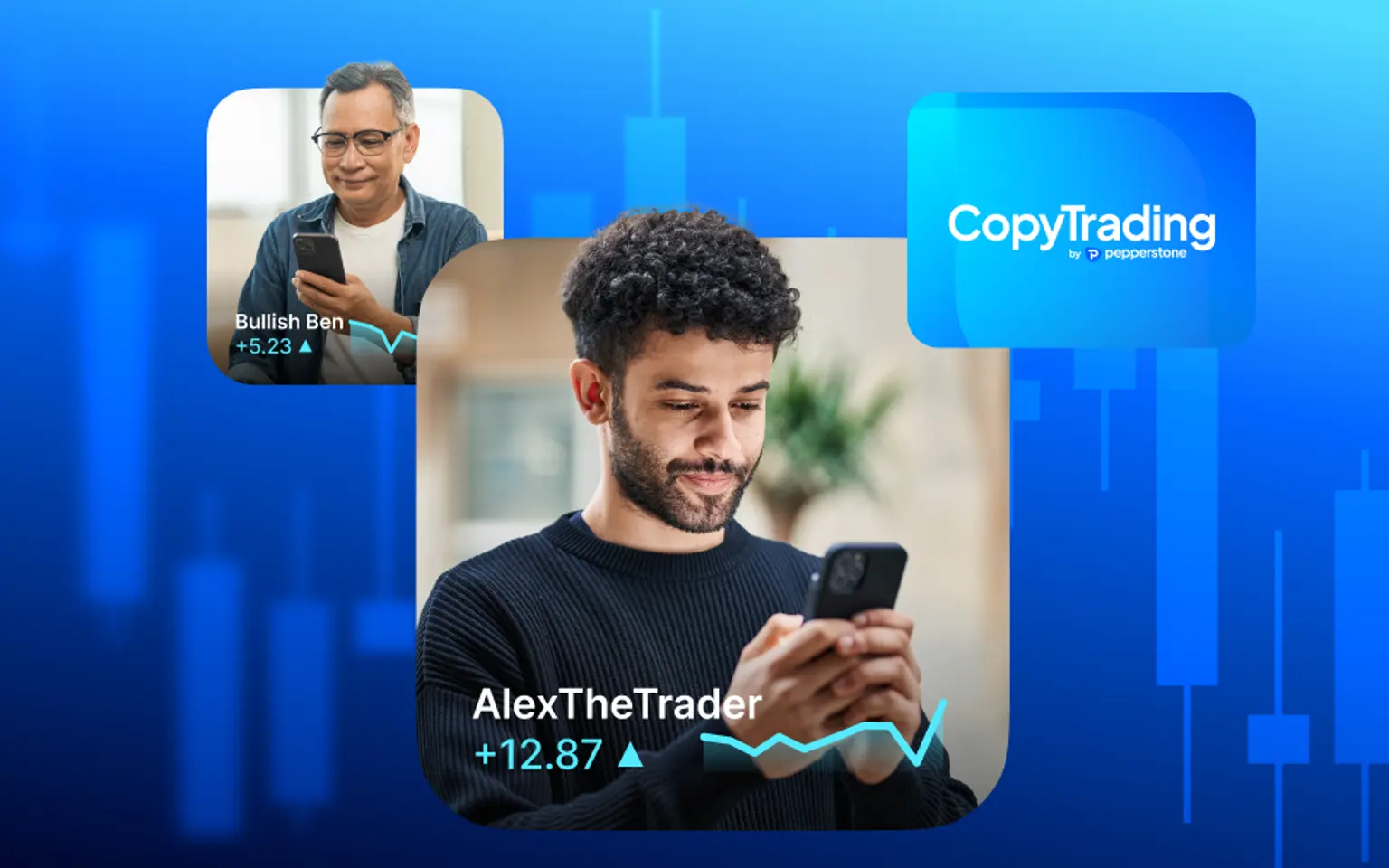
Sift through thousands of signal providers and seamlessly copy their trades directly on your MT4 or MT5 account.
Why use CopyTrading by Pepperstone?
Whether you're looking to follow experienced traders or share your own strategy, CopyTrading by Pepperstone makes it easy to connect, customise your approach and stay in control.
Simplicity
No complicated setups. Just download the app or launch the web version, create an account, link it, and you're ready to go.
Countless possibilities
Filter through thousands of signal providers and copy with the click of a button.
Complete control
Set risk parameters, such as position sizing and drawdown limits, and monitor the action through the mobile or web dashboard.
Copy or be copied
Copy top traders or become a signal provider yourself and earn based on your performance.
Simplicity
No complicated setups. Just download the app or launch the web version, create an account, link it, and you're ready to go.
Countless possibilities
Filter through thousands of signal providers and copy with the click of a button.
Complete control
Set risk parameters, such as position sizing and drawdown limits, and monitor the action through the mobile or web dashboard.
Copy or be copied
Copy top traders or become a signal provider yourself and earn based on your performance.
Two ways to copy trade
Copy trade the way that suits you best – on the go with our mobile app or directly from your browser with our web platform.
On the app
Access CopyTrading by Pepperstone anytime, anywhere. Search through 9000+ traders, view comprehensive insights and take advantage of advanced charting with quick order entry on the go.

On the web
Copy trade directly from your browser on our dedicated web platform. Seamlessly browse signal providers, manage your copy trades and stay connected to the markets – all without needing to download an app.
On the app
Access CopyTrading by Pepperstone anytime, anywhere. Search through 9000+ traders, view comprehensive insights and take advantage of advanced charting with quick order entry on the go.
On the web
Copy trade directly from your browser on our dedicated web platform. Seamlessly browse signal providers, manage your copy trades and stay connected to the markets – all without needing to download an app.
On the web
Copy trade directly from your browser on our dedicated web platform. Seamlessly browse signal providers, manage your copy trades and stay connected to the markets – all without needing to download an app.
On the app
Access CopyTrading by Pepperstone anytime, anywhere. Search through 9000+ traders, view comprehensive insights and take advantage of advanced charting with quick order entry on the go.
How to start using CopyTrading by Pepperstone
- Make sure you have an MT4 or MT5 Pepperstone account. If not, click here to open one.
- Download the app or launch Webtrader directly from your secure client area.
- Set up an account by inputting a few details, including your name and email.
- Link your account through the settings.
- Start exploring signal providers or search for a specific one via the ‘discover’ tab.
- When you find the signal provider you are looking for, click on copy. From there, read all the details, adjust your trade size settings, and when you’re ready, click on ‘Agree and copy’.
Want to provide signals?
If you’d like to provide signals to other traders, please follow the same steps as above but select ‘signal provider’ when you link your account. Once set up, you’ll be able to see how many copiers and followers you have from your dashboard.
Setting up a fee
- From your account tab, click on ‘I want to charge a fee’
- From there, insert the percentage you’d like to charge as a performance fee
- Click on ‘Agree and update’
Please note that any changes to your fee will only affect future copiers. The fee is charged when a profit is made over the high water mark. It cannot be greater than 50%.
CopyTrading FAQs
Max drawdown is determined by calculating how your running losses compare to your opening balance. It does not consider how your balance might grow. So, if you start trading with $100 and increase your balance to $1,000, then a loss of $40 would represent a 40% drawdown.
The losses will always be factored against your high watermark, which is the highest realised profit you have achieved. You can reset your max drawdown to take into account how your trading has affected your balance. This is the metric to determine if your hard stop has been hit and is worth monitoring appropriately.
Drawdown does not take into account trades placed by the client themselves, or deposits or withdrawals. If a deposit or withdrawal is made, your max drawdown will need to be reset to adjust to the new balance.
The drawdown figure displayed on the 'Account' page in the app is calculated differently, and only takes into account realised profit and loss.
Balance max drawdown is the maximum loss from a peak to a trough of your portfolio, before a new peak is attained.
Unrealised and realised losses are part of the calculation and your max drawdown cannot be reset. It will always show your greatest level.
A performance fee is a fee charged to an account that relates to the performance (profitability) of the signal. For example, if you copy a signal that is charging a 30% fee and you make $100 profit, your account will be charged $30.
Performance fees are calculated daily. They are deducted in arrears based on the extent to which total aggregate profit has been achieved considering all closed and open positions, subject to a high watermark.
The copy trades of different signals are considered in silo, and losses made by copying one signal do not impact the performance fees owed to another. The overall profitability of the copier’s account is not relevant.
The high watermark is based on the highest value that a client account has achieved, so performance fees will only apply if the copier continues to increase their profits. The watermark is also reset each time the copier increases their profits, and the gain minus the performance fee becomes the new benchmark.
If a copier suffers losses, then the watermark will remain the same and performance fees will apply again when they've recovered those losses and made further profit.
A copier may make profit that exceeds the high watermark but then suffers losses in the same reporting period, which reduces their profit back below the high watermark. Under these circumstances, performance fees will be rolled over to the next day and paid when losses are recovered.
Performance fees are charged to a copier's trading account when they have been processed, and the deduction will be clearly labelled in their trading statement. A deposit will be made in the signal provider’s trading account shortly after, minus a small admin fee.
- From your account tab, click on ‘I want to charge a fee’
- From there, insert the percentage you’d like to charge as a performance fee
- Click on ‘Agree and update’
The high watermark is based on the highest value that a copier has achieved, meaning performance fees will only apply if they continue to increase their profits.
The watermark is reset each time the copier increases their profits, and the gain minus the performance fee becomes the new benchmark.
If a copier suffers losses, then the watermark will remain the same. Performance fees will apply again when they've recovered those losses and made further profit.
Equity tells you what impact your live trade positions have on your balance. It can be calculated as follows:
Balance +/- live profit loss (P/L).
For example, if your balance is $500 and your live P/L is + $200, then your equity would be $700
When copying a signal, ‘proportional by equity’ adjusts the size of your trade relative to your account size. Your trade will mirror the size of the signal provider’s trade in proportion to their account size.
This means you are taking a similar risk to the signal you're copying. Buying $5,000 of CAP40 is much riskier for an account with a balance of $5500 than for one with $100,000
Unrealised profit/loss (P/L) is the current profit or loss of an open position. It’s a reflection of what profit or loss could be made if the position was closed in that instant, and includes any commission or transactions associated with it. However, the figure does not become realised until the position is closed.
If you click on ‘Positions’ > ‘Missed,’ you will see an explanation for every missed trade.
Our system will send a request for a trade to be placed. It then waits for a response from the broker server. This is usually instantaneous but we will wait for as long as 15 minutes.
If the trade remains within the price parameters set by the signal, the trade will be executed within those 15 minutes. After 15 minutes, the trade will not be copied. This is why your trade execution could be late or missed.
To link your trading account, click on 'Account' on the bottom right of the app and scroll down to 'Link account'. Add your Broker server, trading account number and password. Then select whether you want to be a copier or a signal provider.
If you're having trouble connecting:
1. Make sure you are connecting with your trading password, not your investor account.
2. Check you have the correct server, account number and password.
3. If you have a signal account, you’ll need to close all trades from the existing account you have connected.
4. Check your MT4 password is less 15 characters.
Typically this is because your 'soft stop' max draw down has been triggered, which blocks all future copy trades. If this happens, you can either reset your max drawdown or add further funds.
‘Mirror master size’ copies the size of the signal that you wish to copy. For example, if the trader you wish to copy has bought $100 worth of GBPUSD, choosing ‘mirror master size’ will buy you $100 worth of GBPUSD.
This function copies the signal trade size for all trades, irrespective of your or the trader's account size.
Trade size refers to how much money you are going to be trading. It’s usually represented by a number containing two decimal places up to the value of 1, and in integer form from then.
This value is proportional to a ‘lot’ size, with a lot being 100,000 units of a currency. So, if you work in dollars and place a trade of size 1, you are effectively trading $100,000
To copy a trader, select the account you would like to copy and select 'copy'. You may have to complete a suitability form. Once you have completed the form, select your copy size:
- Proportional by equity: Trade sizes are proportional to the copier's equity relative to the signal.
- Mirror master size: Trade size is the same as the signal provider’s irrespective of the equity on account.
- Fixed size: Locks the size of trades for all trades.
Then, select whether you want to copy trades that the signal provider already has open, choose whether you want trades to be rounded to the minimum trade size, and click ‘confirm.’
Anyone can become signal provider. However, most have at least 6 months of trading experience and positive results. We require a minimum opening account balance of $500.
If you are interested in becoming a signal provider, please log in to the app, navigate to ‘Account’, and select 'I want to charge copiers’.
Ready to trade better?
Switch to Pepperstone now and join our global community of over 900K+ traders.* Apply in minutes with our simple application process.
Register
Sign up with your email address and get a free demo.
Answer
We’ll check whether our products are appropriate for you.
Verify
Your safety is our top priority.
Fund
That’s it! You’re ready to trade.
1 Total number of accounts held with the Pepperstone Group globally, correct as at March 2026.